


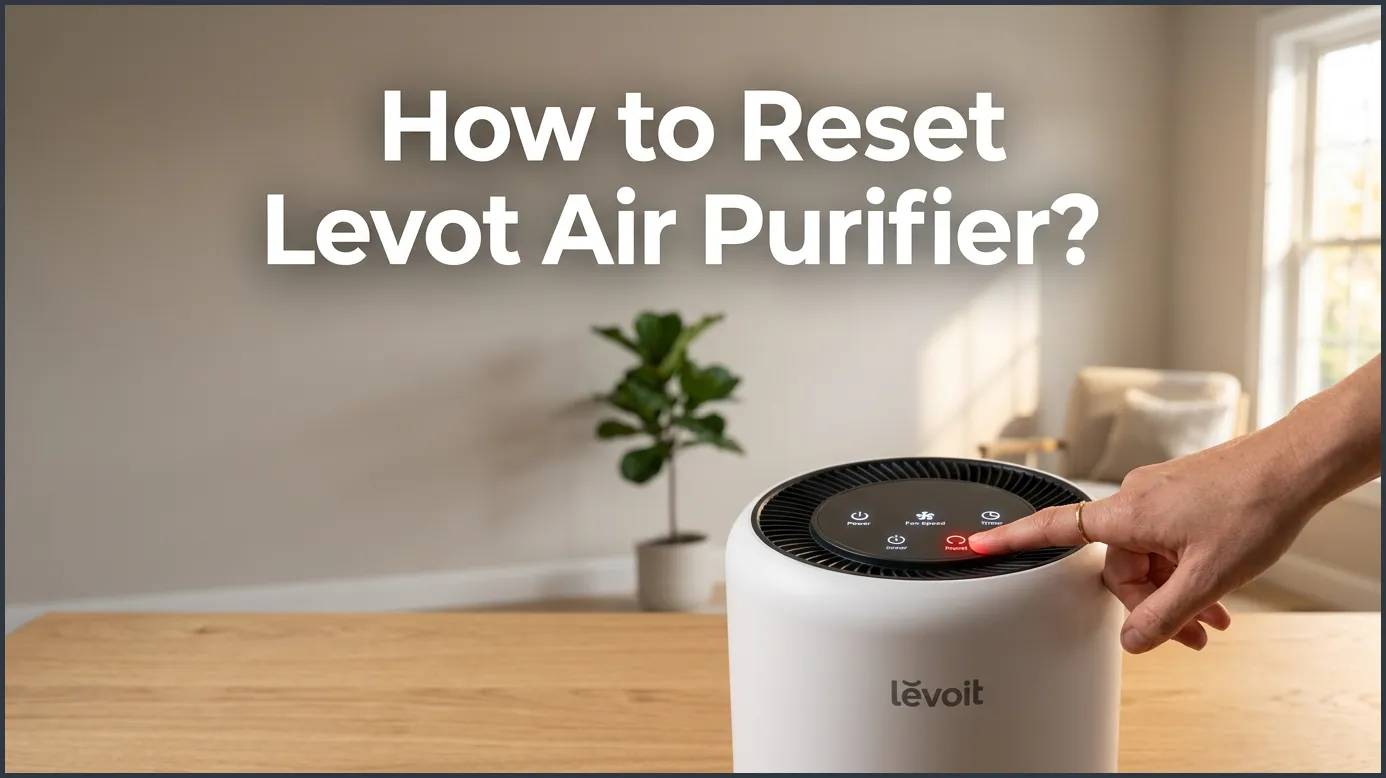
To reset a Levoit air purifier, press and hold the filter indicator button (often shaped like a light-up icon or gear) for three to five seconds. Once you hear a beep or the red light turns off, the reset process is complete. If you own a smart model, you can also easily reset the filter life directly through the VeSync app.
Imagine coming home after a long, busy day. You open your front door, expecting a clean and fresh breath of air. Instead, you walk into your living room and notice a bright, glowing red light on your device. It feels like your air purifier is trying to send you a warning signal. You might worry that something is broken. Do not worry. This is a very common issue that almost every owner faces sooner or later.
This detailed guide will show you exactly how to reset Levoit Air Purifier units. We will look at many different models. We will cover the popular Core series, the LV-H132, and even the modern smart app settings. You will learn why this light comes on. You will also get easy, practical tips to keep your air clean and fresh every single day.
Our homes should be places of comfort. When our appliances behave in strange ways, it can feel stressful. Thankfully, resetting your Levoit air purifier is one of the easiest home maintenance tasks you will ever do. It takes only a few seconds. Let us dive in and clear that annoying red light today.
Key Takeaways
- Hold for 3-5 Seconds: Most Levoit models require holding the filter indicator button for 3 to 5 seconds to clear the light.
- It Is Just a Timer: The red light is a simple built-in timer, not a sensor that measures actual dirt or dust levels.
- Smart App Option: You can reset and monitor your filter life easily using the official VeSync mobile app.
- Do a Hard Reboot: If the control panel freezes, unplugging the device for 60 seconds will perform a quick hard reset.
- Always Replace First: Always put a clean or brand-new filter in place before you reset the indicator light.
- Check Your Manual: Button layouts can vary slightly between models, so keep your specific manual handy.
📑 Table of Contents
Why Is the Red Light on Your Levoit Air Purifier On?
Before we look at how to reset Levoit Air Purifier lights, it helps to understand why the light turned red in the first place. Many people think that the air purifier has an advanced sensor that can smell or see the dirt inside the filter. This is actually a common myth. The red light is not reacting to the actual dirt levels on your filter screen.
Instead, the red light is simply a built-in timer. It counts the hours that the machine has been running. For most Levoit models, this timer is set for about 3,000 to 4,000 hours of use. This is roughly six to eight months of average daily running. When the timer hits this limit, the red light turns on. It is just a gentle reminder that it is time to check, clean, or change your filter. If you want to understand the science behind this system, you can read more about the Levoit air purifier red light meaning and what triggers it.
The Difference Between a Filter Reset and a System Reboot
It is important to know that resetting the filter light is not the same as a system reboot. Resetting the filter light only clears the internal clock for the filter. It tells the machine that a fresh filter is inside. On the other hand, a system reboot resets the connection to your home Wi-Fi or clears the memory on your smart screen. Knowing this difference will save you time when you are troubleshooting your device.
How to Reset Levoit Air Purifier: Model-by-Model Guide
Different Levoit models have different control panels. A button on one model might not be in the same place on another. Here is how to reset Levoit Air Purifier units based on the specific model you own.
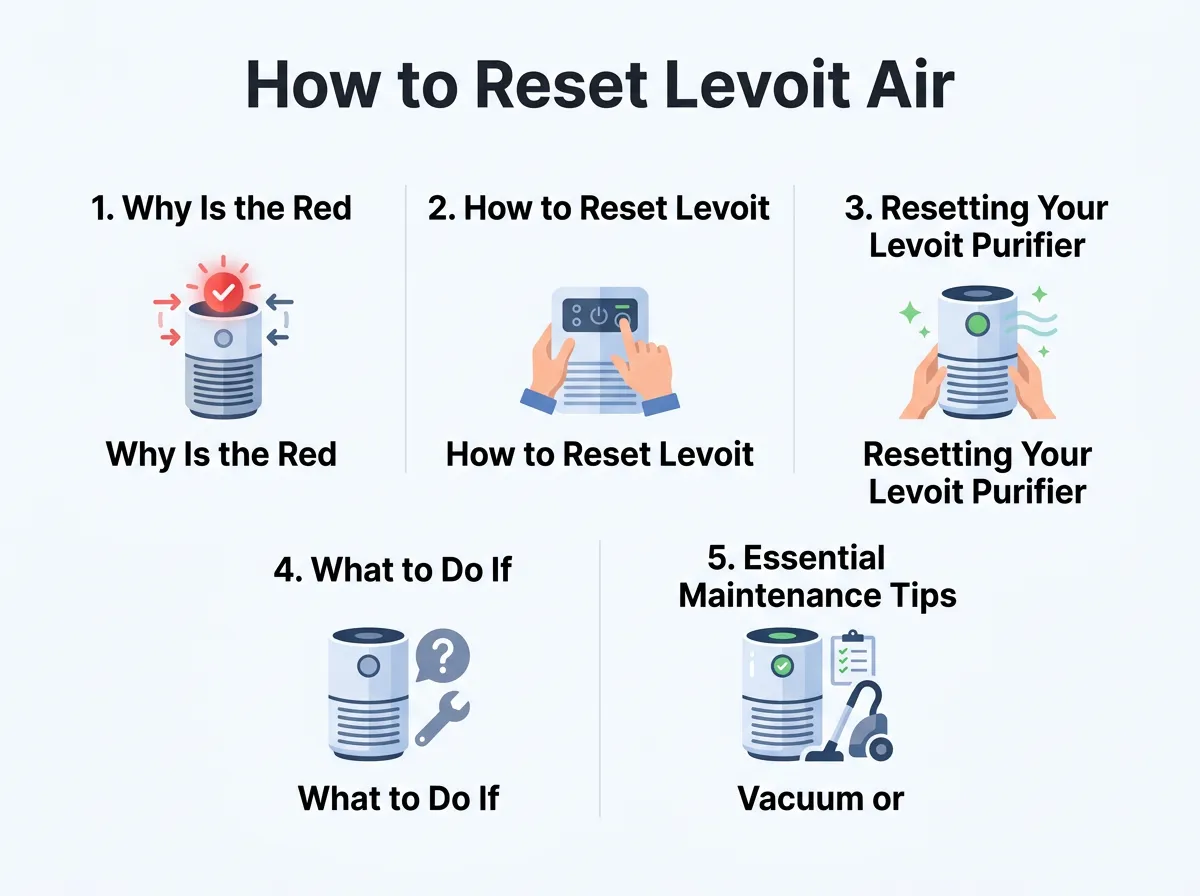
How to Reset Levoit Air Purifier? — key points at a glance
Resetting the Levoit Core Series (Core 300, 400S, 200S)
The Core series is very popular. These units are round, sleek, and highly efficient. They feature a modern touch screen on top. To reset the filter light on these models, follow these quick steps:
- Make sure your air purifier is plugged in and turned on.
- Locate the filter indicator icon on the display panel. It looks like a small sheet of paper with holes in it, or a gear-like icon.
- Press and hold this icon for exactly 3 seconds.
- The red light will flash several times. Then, it will turn off. You might also hear a soft beep to confirm the change.
Many users ask about these smart models. You can read helpful discussions on websites like JustAnswer thread about the Levoit Core 200S model reset process if your light still refuses to turn off after these steps.
Resetting the Levoit LV-H132
The Levoit LV-H132 is a classic model. It is smaller and perfect for bedrooms. Unlike the newer Core series, it has physical buttons and a slightly different design. To reset this model:
- Find the small reset button on the side of the unit, or look at the top control panel.
- If you see a red light on the panel, locate the button with the filter icon.
- Use a thin tool, like a paperclip or a toothpick, if the reset button is recessed. If it is a regular touch button, simply use your finger.
- Press and hold the button for 3 to 5 seconds.
- The red light will turn off, and the timer will reset back to zero.
This process is very straightforward, similar to instructions found in official model schematics like this Levoit Core 300 PDF manual which shares a very similar visual design logic.
Resetting the Levoit Vista 200
The Vista 200 is another great option for small rooms. It is known for its sleep mode and quiet operation. To reset this model:
- Turn on your air purifier.
- Locate the filter indicator button on the touch display.
- Press and hold this button for 3 seconds.
- The button will blink and then turn off. Your machine is now ready to run for another 3,000 hours.
Resetting Your Levoit Purifier Using the VeSync App
If you own a smart model, you do not even need to touch the machine to reset it. You can do it all from the comfort of your couch. Levoit smart devices use the VeSync app to connect to your phone. Here is how to reset Levoit Air Purifier settings using the app:
- Open the VeSync app on your smartphone.
- Select your air purifier from the list of connected devices.
- Look for the settings menu, which is usually represented by a gear icon in the top right corner.
- Find the tab labeled “Filter Life.”
- Tap on the “Reset Filter Life” button.
- Confirm your choice. The app will update, and the red light on your physical machine will turn off instantly.
Using the app is highly recommended. It shows you the exact percentage of your filter life. This helps you order a new filter before the red light even turns on.
What to Do If the Red Light Won’t Turn Off
Sometimes, things do not go as planned. You might hold the button for 3 seconds, but the red light remains on. Or, the light might turn off for a minute and then pop right back on. Do not panic. There are a few easy ways to troubleshoot this problem.
The Hard Power Reset
If the touch panel seems frozen, a hard reset can help. Unplug your air purifier from the wall outlet. Wait for at least 60 seconds. This allows the internal capacitors to drain completely. Plug the unit back in and turn it on. Now, try holding the filter reset button for 3 to 5 seconds again. This simple step fixes about 90% of minor software glitches.
Cleaning the Dust Sensors
Some premium Levoit models have an air quality sensor. If this sensor gets dirty, it can cause the machine to behave erratically. Locate the sensor cover on the back or side of your purifier. Open the cover. Use a dry cotton swab to gently wipe the glass lens. Close the cover and try resetting the light again. This ensures the machine can read the room’s air quality accurately.
Essential Maintenance Tips for Your Levoit Air Purifier
To get the best performance out of your machine, you must maintain it well. A clean purifier runs quieter and uses less electricity. Here are some simple tips to keep in mind:
- Clean the pre-filter regularly: Every two to four weeks, open the bottom cover. Use a vacuum hose to clean the dust off the outer pre-filter. This keeps air flowing easily.
- Never wash the HEPA filter: HEPA filters are made of delicate fibers. Water will destroy them. Only vacuum the surface; never rinse it with water.
- Use genuine Levoit filters: Cheap generic filters might fit, but they often lack proper seals. This allows dust to bypass the filter and damage the motor.
To find instructions for other specific models, you can browse the official Levoit user manuals online. This resource is perfect if you have an older or rare model.
Conclusion
Learning how to reset Levoit Air Purifier systems is a quick and satisfying task. It takes only a few seconds of holding a button to restore your peace of mind. Remember, the red light is not a sign of damage. It is simply a helpful reminder that your machine needs a little love and attention. By keeping your filters clean and resetting the indicator properly, you will enjoy clean, fresh air in your home for years to come. Breathe easy!
Frequently Asked Questions
Why is my Levoit air purifier red light flashing?
A flashing red light usually means the filter has reached the end of its life cycle and needs immediate replacement. It is a timer alert, showing that the machine has run for roughly 3,000 hours since the last reset.
How do I reset the filter light on my Levoit Core 300S?
To reset the Core 300S, press and hold the filter indicator button on the top touch panel for three seconds. The light will flash and then turn off, showing that the timer has reset to zero.
Can I clean and reuse my Levoit HEPA filter instead of replacing it?
No, you should never wash or reuse a Levoit True HEPA filter. Water will ruin the delicate fibers, but you can gently vacuum the outer pre-filter layer every few weeks to extend its life.
Does the red light on my Levoit air purifier mean it is broken?
No, the red light is not an error code and does not mean your device is broken. It is simply a built-in timer reminder that lets you know it is time to check or change your filter.
Why won’t the red light turn off after I changed the filter?
The light does not turn off automatically because the machine cannot sense the new filter. You must manually press and hold the filter reset button for three to five seconds to clear the system’s memory.
Can I reset my Levoit air purifier using my phone?
Yes, if you own a smart model, you can connect it to the VeSync app. Simply go to the device settings, tap on “Filter Life,” and select the option to reset it from your phone.
