


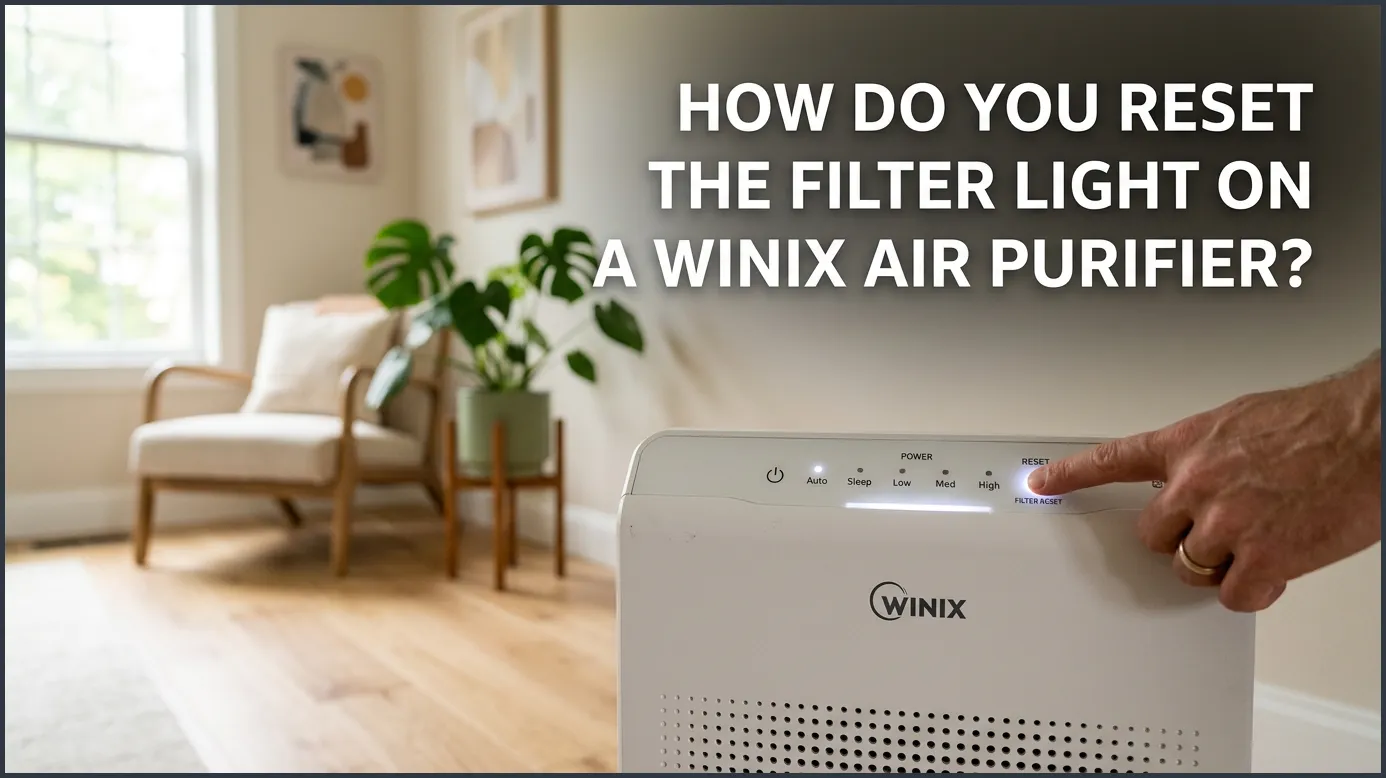
To reset the filter light on most Winix air purifiers, locate the small, recessed “Filter Reset” button on the control panel. Insert a thin tool, like a paperclip or a toothpick, into the hole and hold it down for five seconds until you hear a beep and the light goes out. Always ensure you have replaced the dirty filters with clean ones before resetting the indicator.
Imagine walking into your living room after a long day. You take a deep breath, expecting the crisp, clean air your home air purifier always provides. Instead, you notice a bright, glowing red light on the control panel. Your Winix air purifier is calling for help. It is time to change the filter. But what happens after you slide the fresh, clean filters into place, and that stubborn red light refuses to go away?
This is a common issue for many homeowners. The indicator light does not turn off on its own. It needs a manual reset. If you are staring at your machine and wondering how do you reset the filter light on a Winix air purifier, you are in the right place. In this guide, we will walk you through the simple steps to turn that light off. We will cover different Winix models, share quick troubleshooting tips, and explain how to keep your purifier running at its best.
Key Takeaways
- Find the Pinhole: Most Winix models feature a small, recessed reset button that prevents accidental presses.
- Use the Right Tool: A simple paperclip, toothpick, or safety pin is perfect for pressing the reset button.
- Hold for Five Seconds: You must hold the button down firmly until the unit beeps and the light shuts off.
- Replace Filters First: Never reset the light without replacing the filters, as this will lead to poor air filtration.
- Regular Maintenance Helps: Vacuuming the pre-filter every two weeks extends the life of your main HEPA filter.
📑 Table of Contents
Why Does the Winix Filter Light Turn On?
Before we press any buttons, it helps to understand why this light turned on in the first place. Your Winix air purifier is a smart machine, but it does not actually sniff the filter to see if it is dirty. Instead, it relies on an internal timer.
This timer typically counts down from about 8,760 hours, which is exactly one year of continuous use. When the timer hits zero, the machine assumes the filter is full of dust, pet dander, and pollen. It then turns on the alert light. Similar to how modern LED light designs focus on high visibility, the red or amber glow on your Winix control panel is designed to catch your eye instantly.
Because the machine runs on a simple timer, it has no way of knowing when you have inserted a new filter. That is why you must reset it yourself. If you do not reset the timer, the light will stay on forever, and the machine will not be able to warn you when the next year is up.
Step-by-Step Guide: How Do You Reset the Filter Light on a Winix Air Purifier?
Resetting the filter light on most Winix models is a quick and simple task. It requires no special technical skills. You only need a tiny household tool and a few seconds of your time. Here is the standard method that works for the vast majority of Winix units.
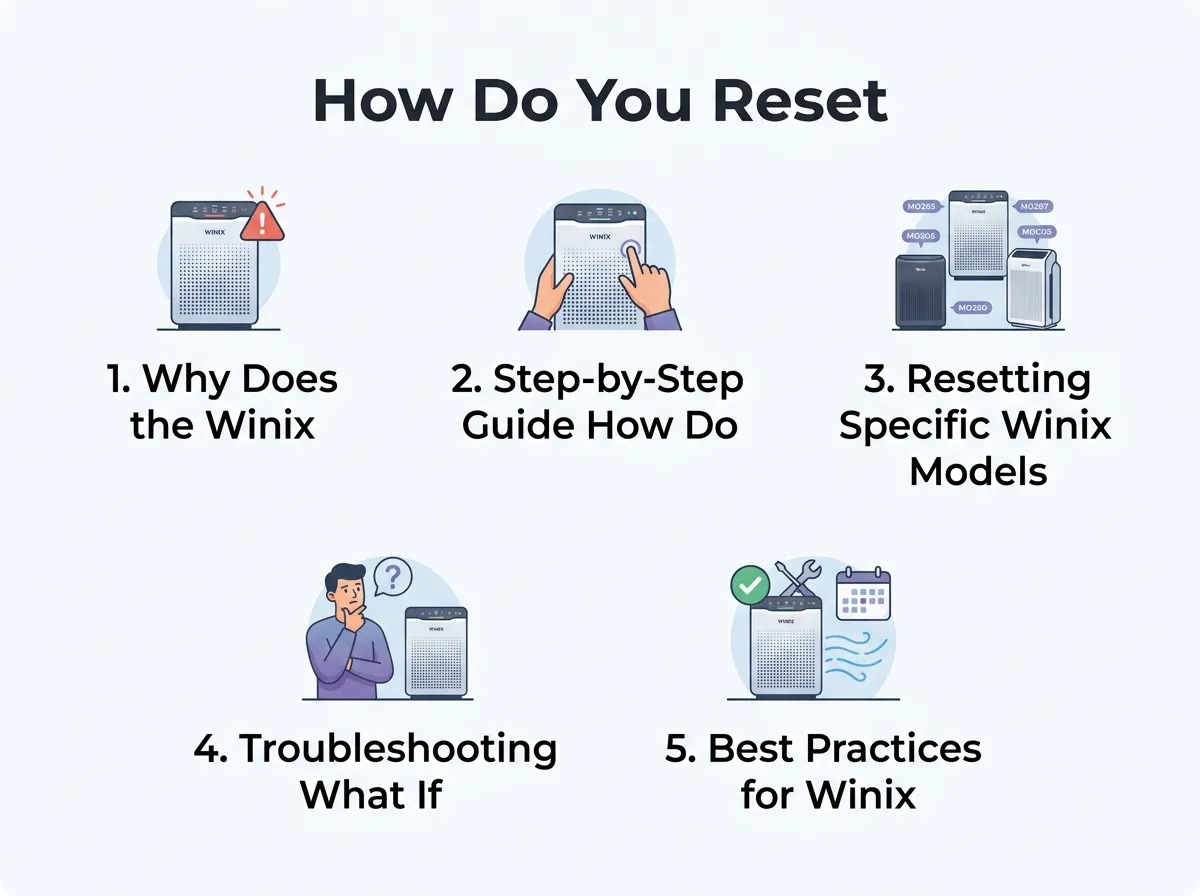
How Do You Reset the Filter Light on a Winix Air Purifier? — key points at a glance
Step 1: Replace the Old Filters
First and foremost, never reset the light without actually changing the filters. Using a clogged filter restricts airflow. It can strain the motor and reduce the air quality in your home. Always turn off the unit, unplug it from the wall, and swap out the old HEPA and carbon filters for fresh ones. Once the new filters are securely inside, put the front panel back on.
Step 2: Turn the Purifier On
Plug the power cord back into the wall outlet. Press the power button to turn the air purifier on. The red filter reset light will likely still be glowing or flashing. This is completely normal.
Step 3: Find the Reset Pinhole
Look closely at the control panel of your Winix unit. You are looking for a tiny hole labeled “Filter Reset” or “Reset.” Winix designs this button as a recessed pinhole so that you do not accidentally press it while wiping down the machine or changing settings.
Step 4: Grab a Paperclip or Toothpick
Since the button is recessed inside a tiny hole, your finger will not be able to reach it. Find a thin, sturdy tool. A metal paperclip bent straight works perfectly. You can also use a wooden toothpick, a safety pin, or the tip of a fine-point pen.
Step 5: Press and Hold for Five Seconds
Gently insert your tool into the pinhole. You will feel a soft click when you hit the button. Push down and hold it. Do not let go immediately. You must hold the button down for five consecutive seconds.
Step 6: Listen for the Beep
After about five seconds, the air purifier will emit a clear, audible beep. At the same time, the glowing red filter light will flash and then turn off completely. Once the light is gone, you can remove your tool. Your Winix air purifier is now reset and ready for another year of clean air!
Resetting Specific Winix Models
While the paperclip method works for most units, Winix has produced several different models over the years. Some models have slight variations in their design. Let’s look at a few of the most popular models.
The Winix 5500-2 and C535
The Winix 5500-2 and the Winix C535 are two of the most popular air purifiers on the market. Both of these models use the classic pinhole design. The reset hole is located on the far right side of the control panel, right next to the filter replacement label. Simply use a paperclip, hold it for five seconds, and listen for the beep.
The Winix AM90 and HR900
If you own a smart model like the Winix AM90 or the pet-focused HR900, the control panel might look a bit different. However, the reset mechanism remains the same. Look for the small hole labeled “Reset” on the top touch panel. Insert your paperclip, hold for five seconds, and wait for the chime.
The Winix Zero Series
For international users owning the Winix Zero, Zero Pro, or Zero Compact, the reset button is still a small pinhole. It is usually located near the power button or the fan speed indicators. Follow the exact same five-second press rule to clear the alert.
Troubleshooting: What If the Light Won’t Turn Off?
Sometimes, things do not go as planned. If you have followed the steps and the red light is still glowing, do not panic. Try these quick troubleshooting tips to solve the problem.
- Check Your Tool Angle: The button inside the pinhole is very small. If you insert your paperclip at an angle, you might be missing the button entirely. Try inserting the tool straight down. You should feel a tiny click when the button is actually pressed.
- Hold It Longer: Count slowly. Sometimes, five seconds feels longer than it actually is. Try holding the button down for a full ten seconds to make sure the system registers the reset.
- Power Cycle the Unit: If the button is pressed but nothing happens, try a system reset. Unplug the air purifier from the wall. Leave it unplugged for two to three minutes. This allows the internal computer to clear its temporary memory. Plug it back in and try the reset process again.
- Look for Obstructions: Dust can sometimes settle inside the pinhole. This dust can block the button from being fully pressed. Blow a quick puff of air into the hole to clear out any debris, then try again.
Best Practices for Winix Filter Maintenance
Now that you know how do you reset the filter light on a Winix air purifier, let’s talk about how to get the most out of your machine. Keeping your air purifier in peak condition is vital for your health. Research shows that using a reliable HEPA filter can greatly reduce indoor air pollutants and allergens. This is highly beneficial for your respiratory system, as detailed in scientific studies on air filtration efficacy.
To keep your unit running efficiently, follow these simple maintenance habits:
Clean the Pre-Filter Every Two Weeks
Your Winix unit features a mesh pre-filter. This screen catches large particles like hair, dust bunnies, and pet fur. If this filter gets clogged, your machine has to work much harder to pull in air. Every two weeks, pop open the front cover and vacuum the pre-filter. You can also wash it with warm water. Just make sure it is completely dry before putting it back in.
Do Not Wash the True HEPA Filter
It is important to remember that only the mesh pre-filter is washable. The thick, white True HEPA filter and the carbon sheet are not washable. Wetting these filters will ruin their delicate fibers. It will make them completely useless. Always replace them with brand-new filters when the indicator light tells you to do so.
Keep the Air Quality Sensor Clean
Your Winix air purifier has a smart sensor on the side of the unit. This sensor measures the dust and particles in your room. If this sensor gets dirty, your machine might run on high speed constantly, thinking your room is dusty when it is not. Every few months, open the sensor cover on the side. Gently wipe the lens with a damp cotton swab, then dry it with a dry swab.
Conclusion
Maintaining clean indoor air does not have to be a chore. Knowing how do you reset the filter light on a Winix air purifier is a quick and simple skill that keeps your unit running perfectly. By using a simple paperclip and holding the reset button for five seconds, you can clear the red alert light and restart the internal timer.
Always pair this reset with a fresh set of filters to keep your home smelling clean and free of allergens. With just a little bit of regular maintenance, your Winix air purifier will continue to protect your family’s health and provide fresh air for many years to come.
Frequently Asked Questions
How often should I replace the filters on my Winix air purifier?
You should replace the True HEPA and carbon filters once every 12 months. However, if you live in a home with pets, smokers, or heavy pollen, you may need to replace them every 6 to 8 months.
Can I wash and reuse my Winix True HEPA filter?
No, you cannot wash the True HEPA filter. Water will damage the delicate microfibers and destroy their ability to trap airborne particles. Only the outer mesh pre-filter can be washed and reused.
What does a flashing orange or red light mean on my Winix?
A flashing or solid red/orange light indicates that the air purifier’s internal timer has reached its limit. This is an alert telling you that it is time to replace the filters and reset the machine.
Why did my filter light turn on after only a few months?
The Winix filter light runs on a usage timer. If you run your air purifier on high speed 24/7, the timer will count down much faster, triggering the alert light earlier than the typical one-year mark.
Can I reset the filter light without replacing the filters?
You can reset the light using a paperclip without replacing the filters, but this is highly discouraged. Running the machine with clogged filters reduces airflow, strains the motor, and fails to clean your indoor air.
Where is the reset button located on the Winix 5500-2?
On the Winix 5500-2, the reset button is a tiny, recessed pinhole located on the right side of the control panel. It is clearly labeled “Filter Reset” and sits right next to the power and fan speed controls.
