


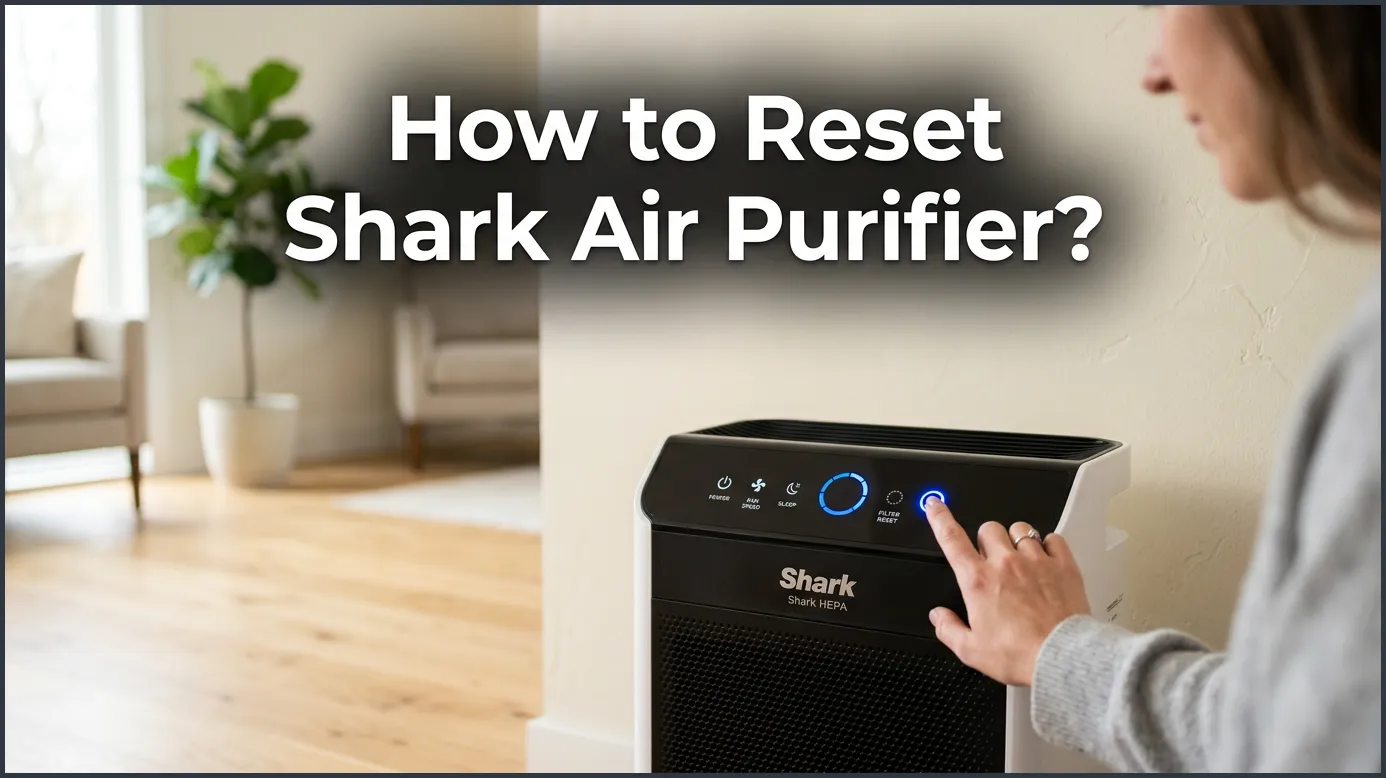
To reset your Shark air purifier, press and hold the Filter Life button on the control panel for three to five seconds. If the machine freezes or displays an error, simply unplug it from the wall for ten minutes to perform a hard reboot. This quick process clears the system memory, resets the sensors, and keeps your unit running smoothly.
Picture this. You come home after a long day of work. You want to relax and breathe in some fresh, clean air. Instead, you look over at your corner table and spot a bright, blinking light on your favorite home appliance. Your trusted air system is trying to tell you something, but you are not sure what. If your display is acting up, or if you just replaced the filter and the warning light will not go away, do not panic. It is a very common issue that many home owners face every single day.
Knowing how to reset Shark air purifier settings can save you a lot of time and stress. These machines are very smart, but sometimes they need a quick manual refresh to get back on track. In this friendly guide, we will walk you through the simple steps to clear your control panel, reboot your machine, and keep your indoor air as clean as can be. Let us dive in and get your home smelling sweet and fresh again!
Key Takeaways
- Filter Light Reset: Press and hold the Filter Life button for 3 to 5 seconds after installing a new filter.
- Hard Reboot: Unplug the unit for 10 minutes to clear minor system glitches and error codes.
- Sensor Maintenance: Cleaning the CleanSense IQ sensor on the side of the unit prevents false dirt readings.
- Color Coding: The air ring colors (blue, amber, red) display real-time air quality, not system errors.
- Filter Health: Always replace the old filter before resetting the light to protect your unit’s fan motor.
- Troubleshooting: Regular soft resets keep the digital interface responsive and accurate.
📑 Table of Contents
- Why Does Your Shark Air Purifier Need a Reset?
- Step-by-Step Guide: How to Reset Shark Air Purifier Filter Light
- How to Perform a Hard Reset on Your Shark Purifier
- Cleaning the CleanSense IQ Sensor to Prevent Errors
- Understanding What the Screen Lights Mean
- Helpful Tips to Keep Your Air Purifier Happy
- Conclusion
Why Does Your Shark Air Purifier Need a Reset?
Your air purifier is a hard worker. It runs day and night to pull dust, pet dander, and wild smoke out of your living space. To do this, it uses a built-in computer to track how many hours the fan has been running. This computer tells you when it is time to check the filter. However, the machine does not actually know if the filter is clean or dirty; it only counts the hours of active use.
The Filter Replacement Alert
When the counter hits zero, a light turns on. Even if you put in a brand-new, clean filter, the machine does not have eyes to see it. It will keep shining that warning light until you manually tell it that you have done your job. Learning how to reset Shark air purifier settings is the only way to tell the internal computer to start counting from zero again.
Electronic Glitches and Power Surges
Sometimes, a quick storm or a sudden power blink can confuse your unit. The digital screen might freeze, or the buttons might stop responding. In these rare moments, a simple button press will not work. You will need to clear the memory of the unit. A quick reset heals these digital hiccups and lets the machine run its self-checks from scratch.
Step-by-Step Guide: How to Reset Shark Air Purifier Filter Light
If you just put in a fresh filter, you need to clear the blinking light. This is the most common reason people search for how to reset Shark air purifier displays. Luckily, the process is very easy and takes less than a minute of your time. Just follow these simple steps to get it done.
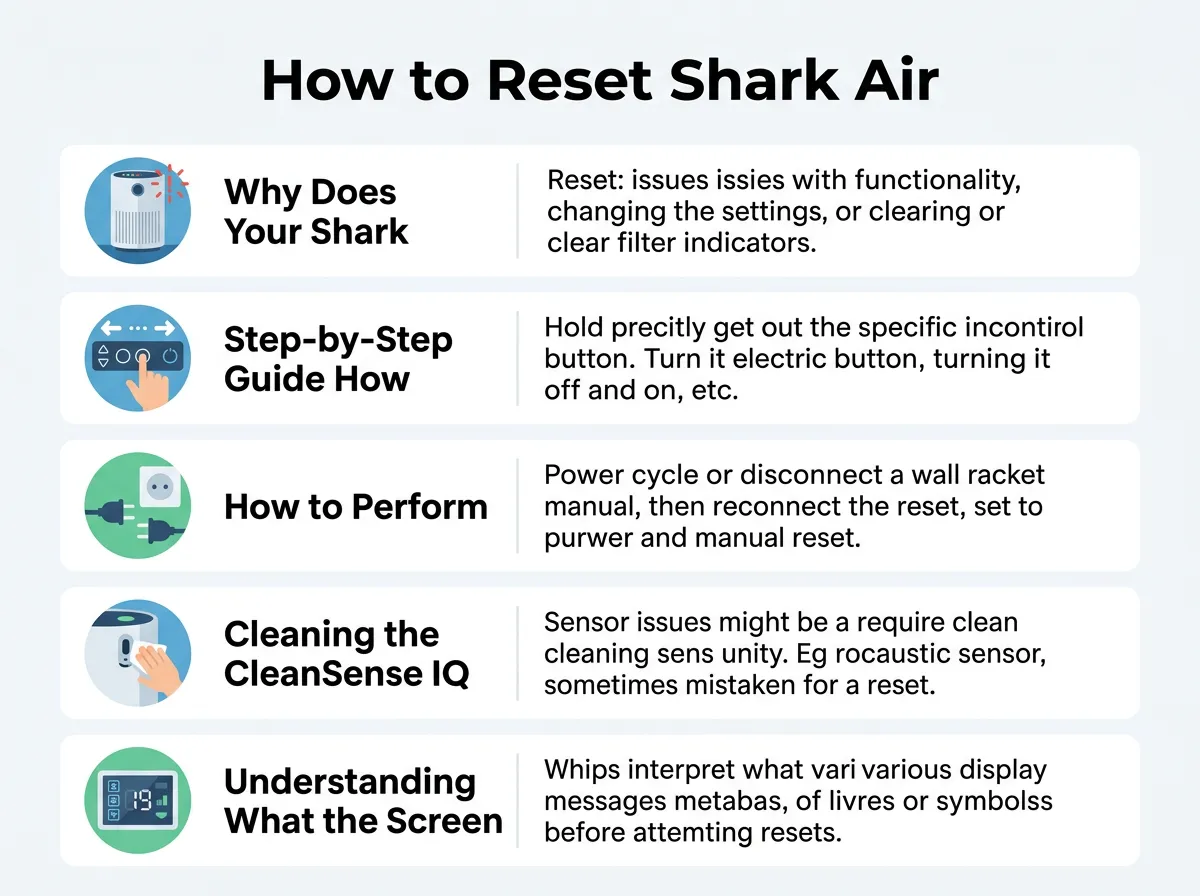
How to Reset Shark Air Purifier? — key points at a glance
Locating the Filter Life Button
First, make sure your machine is plugged into a working wall outlet and turned on. Look at the top control panel of your unit. You will see a button that looks like a small, ribbed filter, or it might say “Filter Life” right on the plastic. If you find that the button does not respond right away, you are not alone; many users ask common filter reset questions online when dealing with older or newer units. Do not worry, as the fix is usually just a matter of holding the button down firmly.
The Five-Second Press
Once you locate the button, press it down with your finger and hold it there. Do not let go! Keep pressing for three to five seconds. You will hear a short, cheerful beep sound, and the light on the screen will flash. Once the flashing stops, release your finger. The display should now show 100% life, which means your machine is ready to start fresh.
How to Perform a Hard Reset on Your Shark Purifier
Sometimes, a simple tap on the top panel will not solve your problem. If your machine is totally frozen or won’t change fan speeds, you need to try a hard reset. This completely cuts the power and drains the internal circuits of any leftover energy. It is like giving your unit a healthy power nap.
The Unplugging Method
To do a hard reset, walk over to the wall outlet and pull the plug straight out. Do not just turn off the power button on top. You must disconnect it from the wall. Let the machine sit completely unplugged for at least ten to fifteen minutes. This long wait is important because it allows the microchips inside to fully clear their memory. It is a good idea to check your official Shark air purifier user manual for specific details on your model’s power needs during this process.
Plugging It Back In
After your ten-minute wait is over, plug the power cord back into the wall outlet. Press the power button on the top panel. Your machine should turn on with a loud beep. The sensors will spin up, and the screen should display a normal reading. This hard reset fixes about ninety percent of all common system glitches.
Cleaning the CleanSense IQ Sensor to Prevent Errors
Did you know that a dirty sensor can make your machine think your room is filled with smoke when it is actually clean? Shark uses a smart tool called CleanSense IQ. This sensor uses a tiny laser light to look for dust in the air. If the sensor lens gets covered in lint or pet hair, it will get confused and show a constant red light.
Where to Find the Sensor
Look at the side of your Shark unit. You will see a small, square plastic cover with some vents on it. This cover protects the delicate optical sensor inside. You do not need any special tools to open it. Most models have a small tab that you can easily pop open with your finger.
How to Clean It Safely
Once the cover is open, take a dry, clean cotton swab. Gently wipe the tiny glass lens inside the compartment. Do not use water, soap, or harsh cleaning chemicals, as these can ruin the sensor. After wiping away any dust, blow gently into the compartment to clear out any loose fuzz. Snap the plastic cover back into place. Your sensor will now be able to see clearly, and you won’t have to keep trying to figure out how to reset Shark air purifier lights.
Understanding What the Screen Lights Mean
It can be scary when your machine starts changing colors. However, these lights are actually there to help you. They give you a quick visual update on the health of your indoor air. Let us look at what each colored ring means so you can react quickly and correctly.
The Traffic Light System
Your Shark unit uses three main colors to talk to you. Blue means your air is very clean, and the machine is happy. Amber or orange means the air quality is fair, and there might be some dust or cooking smells nearby. Red means your air quality is poor. If the round air quality ring turns red, the fan will automatically speed up to clean your room as fast as possible. This is a normal safety feature, not a machine error!
When to Seek Professional Help
If your display shows letters like “F1” or “F2”, or if the lights flash in a weird pattern that won’t stop after a hard reset, there might be a deeper issue with the fan motor or the internal wiring. In these rare cases, it is best to contact customer support. Do not try to open the motor housing yourself, as this can void your warranty and cause damage.
Helpful Tips to Keep Your Air Purifier Happy
The best way to avoid constant system resets is to take care of your machine before issues pop up. With just a little bit of monthly maintenance, you can keep your unit running like a dream for many years to come.
Vacuum the Pre-Filter
Every two to four weeks, open the main filter door and look at your filter. You will see a thin layer of dust on the outside. Use the soft brush tool on your vacuum cleaner to gently suck away this loose dirt. This simple step keeps air flowing freely and stops the motor from working too hard.
Choose the Right Location
Make sure your purifier has plenty of breathing room. Do not tuck it behind a heavy couch or push it tight against a wall. Keep at least three feet of open space around all sides of the unit. This allows the CleanSense IQ sensor to get an accurate reading of the air in your entire room, preventing false error lights and keeping your indoor air sweet and clean.
Conclusion
Keeping your home filled with clean, fresh air should not be a chore. Now you know how to reset Shark air purifier screens and filters with ease. Whether you need a quick five-second button press or a deep ten-minute hard reboot, these simple steps will keep your machine happy and your family healthy. Keep those filters clean, wipe down your sensors, and enjoy the peace of mind that comes with a perfectly working air system!
Frequently Asked Questions
How do I reset the filter light on my Shark air purifier?
Simply press and hold the Filter Life button on the top control panel for three to five seconds. You will hear a short beep, and the display will reset to 100 percent. Always make sure to replace the filter before doing this.
Why is the air ring on my Shark purifier staying red?
A constant red ring usually means your air quality is poor, or the sensor has dust on it. Open the side sensor cover and gently wipe the lens with a dry cotton swab. This clears the dust and allows the sensor to read your room air correctly.
How do you do a hard reset on a Shark air purifier?
To perform a hard reset, unplug the power cord directly from the wall outlet. Let the unit sit without any power for at least ten minutes to drain the internal circuits. Plug it back in and turn it on to clear any frozen screens or system glitches.
Can I wash and reuse my Shark HEPA filter?
No, you should never wash a Shark HEPA filter with water. Water will damage the delicate fibers and ruin the filter’s ability to catch small dust particles. Instead, gently vacuum the outside pre-filter or replace it with a brand-new one when the light turns on.
How often should I change my Shark air filter?
Most Shark filters last between six and twelve months depending on how often you run the unit and how much dust is in your home. The machine will automatically light up when it is time to buy a new one. Always reset the timer after putting in a new filter.
What does it mean if my Shark purifier display is frozen?
A frozen display screen is usually caused by a small electrical glitch or a minor power surge. You can easily fix this by unplugging the machine from the wall for ten minutes. This hard reboot resets the control board and restores normal button functions.
