


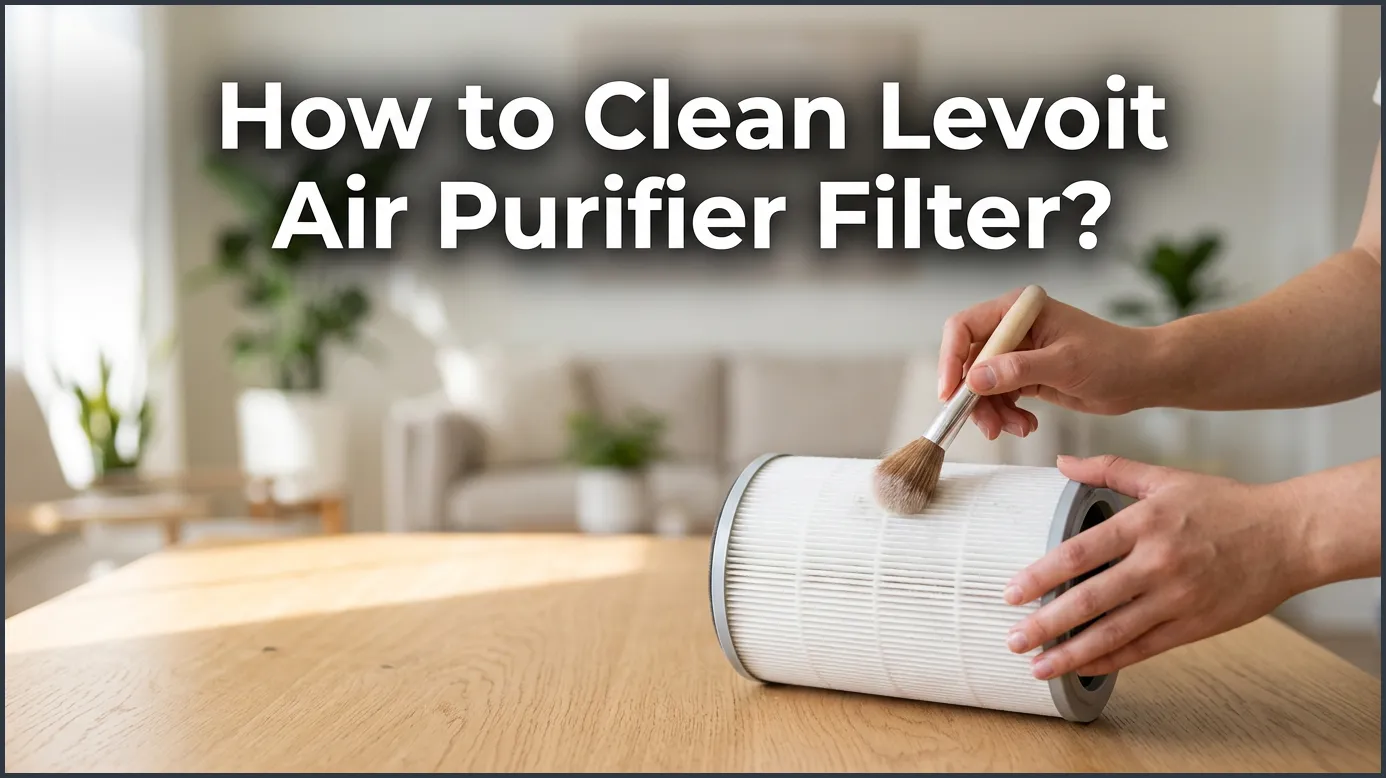
To clean your Levoit air purifier filter, first turn off and unplug the unit. Remove the back cover, pull out the filter, and use a soft brush or vacuum hose to gently clean the outer pre-filter layer. Remember that the inner HEPA and activated carbon filters cannot be washed with water and must be replaced when dirty.
Imagine walking into your home after a long day. You want to breathe in fresh, clean air. Your air purifier works hard to make that happen. It traps dust, pet hair, and pollen every single day. But over time, all that dirt starts to pile up inside the machine. If you do not clean your device, it will stop working well. Your air might start to smell stale. The machine might even make a strange noise.
You might ask yourself, what is the best way to maintain it? In this guide, we will show you how to clean Levoit air purifier filter systems safely. You will learn easy steps to keep your air fresh and save money. Let us get started with some basic tips!
Key Takeaways
- Vacuum only: Only vacuum the outer pre-filter; never wash the HEPA or carbon filters with water.
- Unplug first: Always disconnect the power before opening your air purifier for safety.
- Frequency: Clean the pre-filter every 2 to 4 weeks for best performance and airflow.
- No wet washing: Water ruins the fine fibers of True HEPA filters and can cause mold.
- Reset the indicator: Hold the filter reset button for 3 seconds after cleaning or replacing the filter.
- Timely replacement: Replace the entire filter assembly every 6 to 8 months.
📑 Table of Contents
Why Cleaning Your Air Purifier Filter Matters
Your air purifier is like a vacuum for your indoor air. It pulls in dirty air and pushes out clean air. But where does all that dirt go? It gets stuck right on the filter. If you want to know how to clean Levoit air purifier filter units, you are on the right path. Keeping the filter clean helps the motor run smoothly and saves energy.
Maintaining Healthy Air Quality
When the filter gets full of dust, it cannot catch any more particles. The extra dust will just float around your room. This can make you sneeze or cough. If you want to keep your air clean, you need to clear off that dust. Regular care helps your device catch tiny pests, pollen, and pet dander. It ensures your family breathes easy every single day.
Extending the Lifespan of Your Unit
A dirty filter makes the motor work much harder. The motor has to strain to pull air through the clogged filter. This extra work can cause the machine to overheat. It can also make your energy bill go up. Keeping the filter clean helps the motor run smoothly. This simple step can make your device last for many years.
Can You Wash a Levoit HEPA Filter?
This is a very common question. Many people think they can just rinse the filter under the faucet. But doing this can actually ruin your device. Let us look at why you should keep water away from your filter. If you are researching how to clean Levoit air purifier filter models, you must understand the materials first.
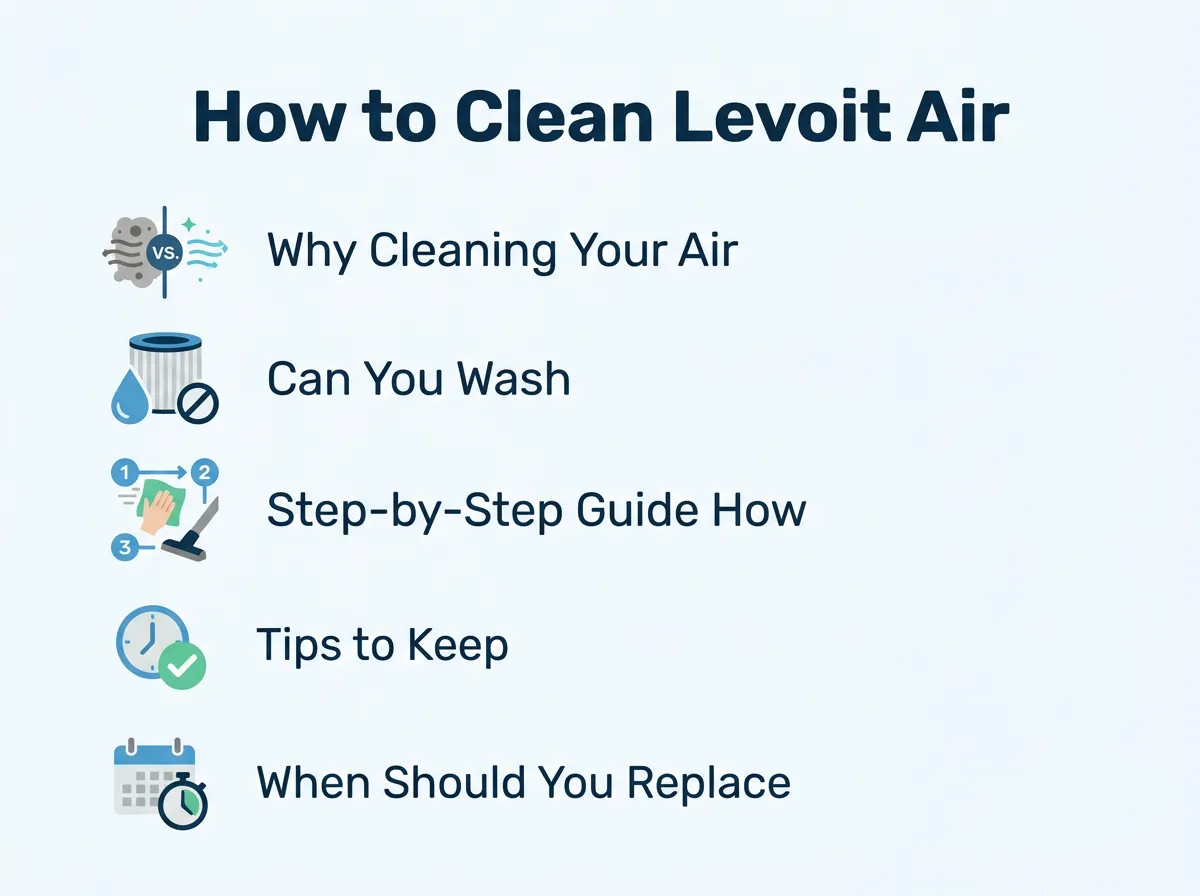
How to Clean Levoit Air Purifier Filter? — key points at a glance
The Difference Between Washable and Non-Washable Filters
Most Levoit air purifiers use a three-stage filtration system. This system has a pre-filter, a True HEPA filter, and an activated carbon filter. The outer layer is the pre-filter. It catches big things like hair and lint. You can gently clean this outer layer. But the inner layers are very delicate. For detailed insights, you can read the official Levoit cleaning guide to see how they design these parts.
Why Water is the Enemy of HEPA Filters
True HEPA filters are made of very fine paper fibers. Water will break these fibers down. Once wet, the filter loses its shape. It also loses its power to trap tiny dust particles. Water can also cause mold to grow inside the filter. Breathing in mold is very bad for your health. To learn more about how to clean Levoit air purifier filter fibers, check out guides that emphasize dry cleaning tools.
Step-by-Step Guide: How to Clean Levoit Air Purifier Filter
Now, let us get to the main task. Cleaning your filter is very easy and only takes about ten minutes. Follow these simple steps to do it safely.
Step 1: Safety First
Always turn off your air purifier first. Then, pull the plug out of the wall outlet. Never try to clean the device while it is still running. This protects you from any electrical shocks. It also keeps dust from flying into the fan while you work.
Step 2: Accessing the Filter
Turn the air purifier over or open the back panel. This depends on your specific model. For small round models, you usually twist the bottom cover off. Pull the cover off gently and set it aside. Now, you will see the cylindrical filter inside. Grab the pull tabs and lift the filter straight out of the machine.
Step 3: Cleaning the Pre-Filter
Look at the outside of the filter. You will see a layer of fuzzy dust and hair. This is the pre-filter. Use a vacuum cleaner with a soft brush attachment. Gently run the brush up and down the filter. Watch the dust disappear! This step is the most important part of how to clean Levoit air purifier filter screens. If you do not have a vacuum, you can use a soft, dry hand brush. Be very gentle so you do not rip the fabric. Many users share helpful tips and viral cleaning demonstrations online that show exactly how much suction to use.
Step 4: Wiping Down the Unit
Do not put the filter back just yet. Take a dry microfiber cloth and wipe the inside of the air purifier housing. Dust can settle in the corners. Wiping it clean prevents that dust from blowing right back onto your fresh filter. Avoid using wet cloths inside the chamber where the motor sits.
Step 5: Reassembling and Resetting
Put the clean filter back into the unit. Make sure it fits snugly. Put the cover back on and lock it in place. Plug the unit back into the wall and turn it on. This is the core of learning how to clean Levoit air purifier filter units. If your filter light was flashing, you will need to reset it. We will show you how to do that in a later section.
Tips to Keep Your Air Purifier Running Efficiently
Cleaning your filter is just one part of the job. There are other simple habits that can keep your home air clean.
Placement is Key
Where do you keep your air purifier? It should not be tucked away in a corner or hidden behind a couch. Give it some space! Keep it at least fifteen inches away from walls and furniture. This allows the machine to pull in air from all directions. It also prevents big dust bunnies from clogging the sides too quickly.
Maintain a Regular Cleaning Schedule
Do not wait for the filter light to turn on. Try to vacuum the pre-filter once every two to four weeks. If you have pets that shed a lot of hair, you should clean it more often. Regular maintenance means the machine does not have to work as hard. It is the best way to master how to clean Levoit air purifier filter screens and maintain your home health.
When Should You Replace Your Levoit Filter?
Cleaning the filter helps, but it cannot make it last forever. Eventually, you will need to buy a new one. Knowing how to clean Levoit air purifier filter elements can prolong their use, but replacement is still necessary.
Signs Your Filter Needs Replacing
Generally, you should replace your Levoit filter every six to eight months. However, this depends on your air quality. If you live with smokers or have many pets, you might need to change it sooner. Watch out for signs like a weak airflow or a musty smell. If the filter looks dark grey or black even after you vacuum it, it is time for a new one.
How to Reset the Filter Light
Levoit air purifiers have a handy red light that tells you when to check the filter. After you learn how to clean Levoit air purifier filter parts and put them back, this light might stay on. Do not worry! To reset it, simply press and hold the filter indicator button for three seconds. The light will flash and then turn off. Now, your machine is ready for another round of cleaning the air.
Common Mistakes to Avoid When Cleaning Your Filter
Many people make simple mistakes that can damage their machines. When thinking about how to clean Levoit air purifier filter parts, safety and dry tools are key. Here are a few things you should never do.
Using Wet Wipes or Sprays
It is tempting to use a wet wipe to clean the dust off. But any moisture can ruin the True HEPA layer. Keep liquid sprays, wet wipes, and water far away from the filter. Always stick to dry cleaning tools like a vacuum or brush.
Forgetting to Clean the Sensor
Some Levoit models have a dust sensor on the side. This sensor detects the air quality in your room. If the sensor is dusty, it might give a false reading. Open the sensor cover and wipe it gently with a dry cotton swab. This helps your machine read the air quality correctly.
Conclusion
Learning how to clean Levoit air purifier filter units is quick and simple. By taking just ten minutes every few weeks, you can keep your home air clean and safe. Remember to always turn off the machine, use a vacuum on the outer pre-filter, and never use water. Regular cleaning saves you money and keeps your machine running like new. Enjoy breathing fresh, clean air every day!
Frequently Asked Questions
Can I wash my Levoit air purifier filter with water?
No, you should never wash a Levoit HEPA filter with water. Water will damage the delicate paper fibers and ruin the filter’s ability to trap tiny particles. Only use a vacuum or a dry brush to clean the outer pre-filter layer.
How often should I vacuum the pre-filter?
It is best to vacuum the outer pre-filter every 2 to 4 weeks. If you have pets or live in a dusty area, you may want to clean it more often to maintain strong airflow. Regular cleaning keeps your machine running efficiently.
What happens if I get my HEPA filter wet?
If your HEPA filter gets wet, the fibers will clump together and break down, which ruins its filtration power. Wet filters can also grow mold and mildew, which can release harmful spores into your home. If your filter gets wet, you must replace it immediately.
Why is the red filter light still on after I cleaned it?
The red filter light does not turn off automatically after you clean the filter. You must reset it manually by pressing and holding the filter indicator button (usually shaped like a small ribbon or light) for 3 seconds. The light will flash and then turn off.
Can I use a hair dryer to blow dust off the filter?
No, using a hair dryer is not recommended because the strong blast of air can damage the delicate HEPA fibers. It can also blow dust and allergens back into your room. Stick to using a vacuum with a soft brush attachment for safe cleaning.
How do I know when it is time to buy a new filter?
You should replace your filter every 6 to 8 months, or sooner if you notice a bad smell or reduced airflow. If the filter looks dark grey or black even after vacuuming, it is fully clogged and needs to be replaced. Always use genuine Levoit replacement filters for the best results.
