


Regularly cleaning your Levoit air purifier is essential for maintaining optimal airflow and peak air purification performance. By gently vacuuming the outer pre-filter every few weeks and wiping down the sensor and exterior housing, you can prevent dust buildup and extend your filter’s lifespan. Never wash the main HEPA or activated carbon filters, as moisture will permanently damage them; instead, replace them every six to eight months for the cleanest indoor air.
How to Clean Levoit Air Purifier?
Picture this. You wake up in the morning, and the sun shines through your window. Instead of a clean room, you see tiny dust motes floating in the air. You look over at your trusty air purifier in the corner. It has been running for months, working hard to keep your air fresh. But today, it looks a bit dusty. There is a gray layer on the grill, and the air does not feel as clean as it used to. You realize it is time for a good clean.
You might wonder how to clean Levoit air purifier units to keep them running like new. It is a common question for many of us. These devices are amazing at trapping dust, pollen, and pet dander. But they cannot do their job if they are clogged up with dirt. Cleaning them is not just about looks. It is about keeping your home healthy and fresh.
Learning how to clean Levoit air purifier models is not hard. In this guide, we will teach you how to clean Levoit air purifier systems step by step. We will cover the outside cover, the sensors, and the filters. We will also share a simple schedule to help you keep track of maintenance. By the end of this post, your purifier will work as well as it did on day one!
Key Takeaways
- Unplug the device before performing any cleaning or maintenance to ensure safety.
- Vacuum the pre-filter every 2 to 4 weeks to remove hair and large dust particles.
- Never wash filters containing HEPA or activated carbon, as water will permanently damage them.
- Wipe the housing using a soft, dry microfiber cloth to prevent moisture damage.
- Clean the dust sensor lens every 2 months with a damp cotton swab.
- Replace the filters every 6 to 8 months for optimal air purification performance.
📑 Table of Contents
- Why Regular Cleaning of Your Levoit Purifier is Crucial
- Step-by-Step: How to Clean Levoit Air Purifier Exterior and Interior
- How to Clean Levoit Air Purifier Filters Safely
- A Simple Guide to Resetting the Filter Indicator Light
- Levoit Air Purifier Cleaning and Maintenance Schedule
- Common Mistakes to Avoid When Cleaning Your Air Purifier
- Conclusion
Why Regular Cleaning of Your Levoit Purifier is Crucial
Keep Your Air Fresh and Clean
Your Levoit purifier works day and night. It pulls in dirty air and pushes out clean air. Over time, dust gathers on the outside grill and inside the machine. If you do not clean it, the machine has to work much harder to pull air in. This means less clean air for your room. Regular cleaning keeps the airflow strong and healthy.
Save Money on Energy and Filters
A dirty purifier uses more electricity because the motor has to strain. Cleaning the outer parts keeps you from searching how to clean Levoit air purifier every time it makes a weird noise. It also extends the life of your filters. When you keep the pre-filter clean, the expensive HEPA filter lasts much longer. This saves you money in the long run.
Step-by-Step: How to Clean Levoit Air Purifier Exterior and Interior
Quick Steps on How to Clean Levoit Air Purifier Shells
Before you start, safety comes first. Always unplug your air purifier from the wall. This protects you and the machine. Once it is unplugged, take a soft, dry cloth. Wipe down the outside of the plastic cover. Avoid using wet cloths on the control panel. We want to keep the buttons dry and safe from moisture.
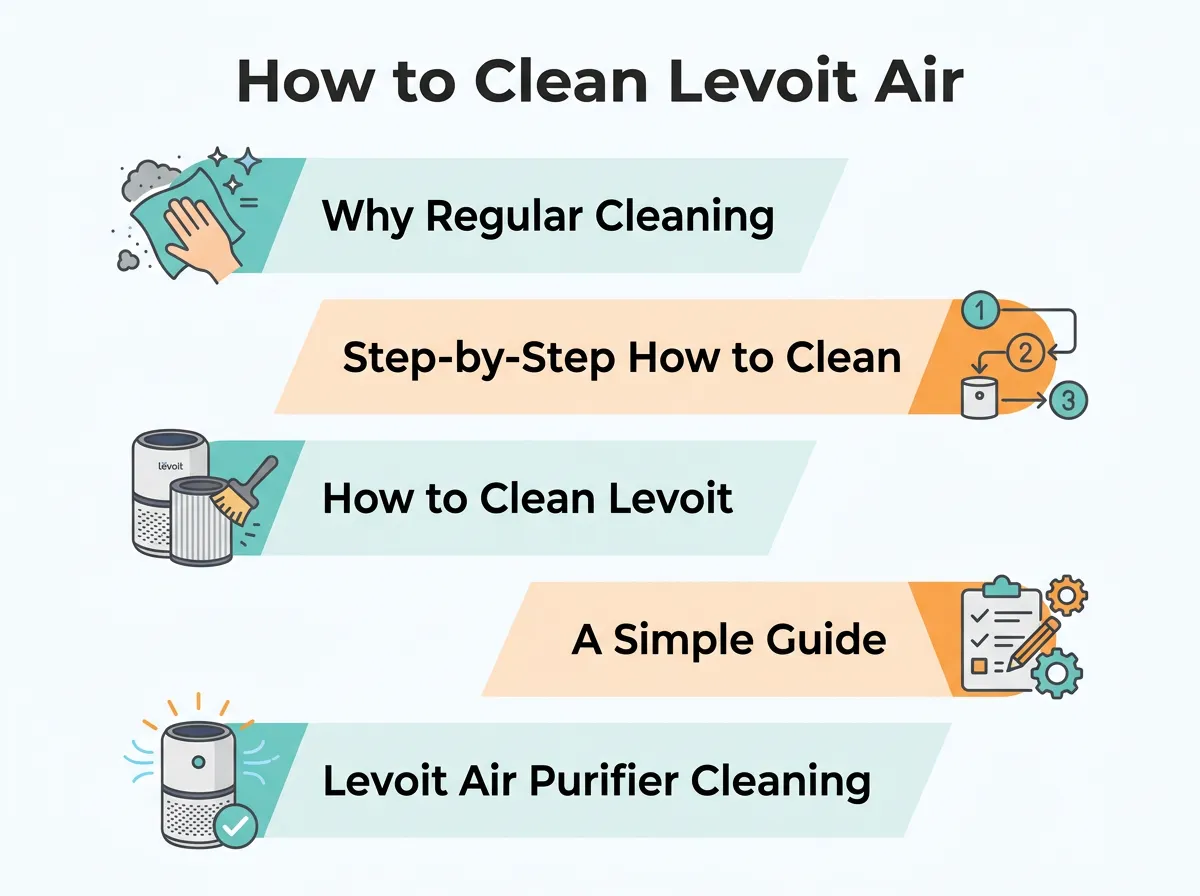
How to Clean Levoit Air Purifier? — key points at a glance
Dusting the Air Quality Sensor
Many Levoit models have an air quality sensor on the back. This sensor is vital when learning how to clean Levoit air purifier Core series. If the sensor is dusty, it will give false readings. Open the sensor cover on the back. Take a cotton swab dipped in a tiny bit of water. Gently wipe the lens. Dry it with the other end of the cotton swab. Put the cover back on, and you are done!
This simple task takes only two minutes. When figuring out how to clean Levoit air purifier parts, many people forget this sensor. Keeping it clean ensures your purifier knows exactly when to speed up to clean your air.
How to Clean Levoit Air Purifier Filters Safely
How to Clean Levoit Air Purifier Pre-Filters
Now, let us look at the filters. Turn the purifier upside down. Open the filter cover at the bottom. Pull the filter drum out. You will see three layers in one. The very outer layer is the pre-filter. This layer traps big things like hair, lint, and large dust bunnies. This is the only part of the filter you should vacuum.
Use a soft brush attachment on your vacuum cleaner. Run it gently over the outer pre-filter. Watch the gray dust disappear! This is a key step in how to clean Levoit air purifier filters. It instantly boosts the airflow of your machine.
Handling the True HEPA and Activated Carbon Filters
Here is a very important rule: do not wash your Levoit HEPA filter with water. Water will ruin the tiny fibers in the HEPA filter. It will also destroy the activated carbon filter inside. If these filters get wet, they can grow mold. That is the last thing you want in an air purifier!
When you want to know how to clean Levoit air purifier parts without damaging them, remember to keep water away from the inner filter layers. Only vacuum the outside pre-filter. If the inner layers look dark gray and smell bad, it is time to buy a replacement filter.
A Simple Guide to Resetting the Filter Indicator Light
Why the Red Light Stays On
Have you ever cleaned your purifier, put it back together, and turned it on, only to see the red filter light still shining? Do not worry! Your purifier does not know you cleaned it. It runs on a timer. It turns the light on after a set number of hours to remind you to check the filter. A red light is a helpful nudge, not a sign of a broken machine.
Step-by-Step Reset Guide for Popular Models
Resetting the light is a huge part of learning how to clean Levoit air purifier displays. For most models, like the Core 300, it is very simple. Find the button that looks like a little filter. Press and hold this button for three to five seconds. You will hear a beep, and the red light will turn off. Now, the timer is reset, and your purifier is ready for another round of cleaning.
Levoit Air Purifier Cleaning and Maintenance Schedule
Keeping a schedule makes life easy. You do not have to clean the purifier every single day. A little care once a month is more than enough. This table makes it easy to remember how to clean Levoit air purifier pieces.
| Purifier Part | What to Do | How Often | Can I Use Water? |
|---|---|---|---|
| Outer Plastic Cover | Wipe with a soft, dry cloth. | Every 2 to 4 weeks | No (use dry cloth) |
| Air Quality Sensor | Clean with a damp cotton swab. | Every 2 months | Yes (damp swab only) |
| Outer Pre-Filter | Vacuum with a soft brush tool. | Every 2 to 4 weeks | No (dry vacuum only) |
| HEPA & Carbon Filters | Inspect for wear and replace. | Every 6 to 8 months | Never |
By following this simple table, your air purifier will always run at peak performance. It takes less than ten minutes a month to do these steps. Your lungs will thank you!
Common Mistakes to Avoid When Cleaning Your Air Purifier
Using Too Much Water
The biggest mistake people make is washing the filters. Many people think they can rinse the dust away under the sink. Please do not do this! Water will pack the dust deep into the HEPA pores. It ruins the filter completely. Knowing how to clean Levoit air purifier components means avoiding water where it does not belong. Keep things dry, except for the tiny cotton swab on the sensor.
Neglecting the Sensor Port
Another mistake is forgetting the sensor. If you only clean the filter, the machine might still show a red or orange light on the display. It might run on high speed all day. This happens because the sensor is still covered in dust. Always check the back sensor. Keep it clean so the auto-mode works perfectly.
Conclusion
Keeping your home filled with clean air is easy when you take care of your tools. Now you know exactly how to clean Levoit air purifier units in just a few simple steps. You know how to wipe the cover, clean the sensor, and vacuum the pre-filter. You also know when to say no to water and when to reset that bright red light.
A clean purifier works better, runs quieter, and saves you money on electricity. It keeps your bedroom, living room, or office smelling sweet and fresh. So, take ten minutes today to give your Levoit purifier some love. Unplug it, clean it up, and enjoy the crisp, clean air you deserve!
Frequently Asked Questions
How often should I clean my Levoit air purifier?
It is best to clean the outer pre-filter of your Levoit air purifier every 2 to 4 weeks to maintain optimal airflow and efficiency. The main body of the unit can be wiped down with a dry, soft cloth whenever you notice dust buildup on the exterior. Never wash the HEPA or activated carbon filters, as water will permanently damage their delicate fibers.
Can I wash the Levoit air purifier filter with water?
You should only wash the pre-filter if your specific model features a designated washable ultra-fine pre-filter; otherwise, you should only vacuum it. The True HEPA and activated carbon filters must never be washed or exposed to water, as moisture destroys their filtration capabilities. For the best performance and air quality, replace the entire filter assembly every 6 to 8 months.
How do I clean the dust sensor on my Levoit air purifier?
To clean the dust sensor, open the sensor cover on the side of your Levoit air purifier and gently wipe the lens with a cotton swab lightly moistened with water. Afterward, use a dry cotton swab to wipe the lens dry and remove any remaining moisture. It is recommended to perform this quick maintenance every 2 months to ensure your purifier’s auto-mode sensors read air quality accurately.
What is the best way to clean the outside of the purifier?
To clean the exterior of your device, first unplug the unit and wipe the housing with a soft, dry microfiber cloth. Avoid using abrasive chemicals, solvents, or liquid detergents, as these can damage the plastic finish and seep into the internal electronics. Ensure the air inlet and outlet grilles are completely free of dust and debris before plugging the machine back in.
Why is the red clean filter light still on after I cleaned my Levoit air purifier?
The red indicator light does not automatically turn off after you clean or replace the filter because it runs on a manual timer. To reset it, you must press and hold the filter indicator button (often shaped like a light-up fan or shield) for 3 to 5 seconds until the unit beeps and the light turns off. This manual reset restarts the countdown timer for your next maintenance cycle.
Can I use a vacuum to clean my Levoit filter?
Yes, you can use a vacuum cleaner with a soft brush attachment to gently clean the outer pre-filter layer. This helps remove larger particles like pet hair, lint, and dust bunnies to restore airflow. However, do not vacuum the delicate inner HEPA filter, as the suction can tear the fibers and render the filtration system ineffective.
