


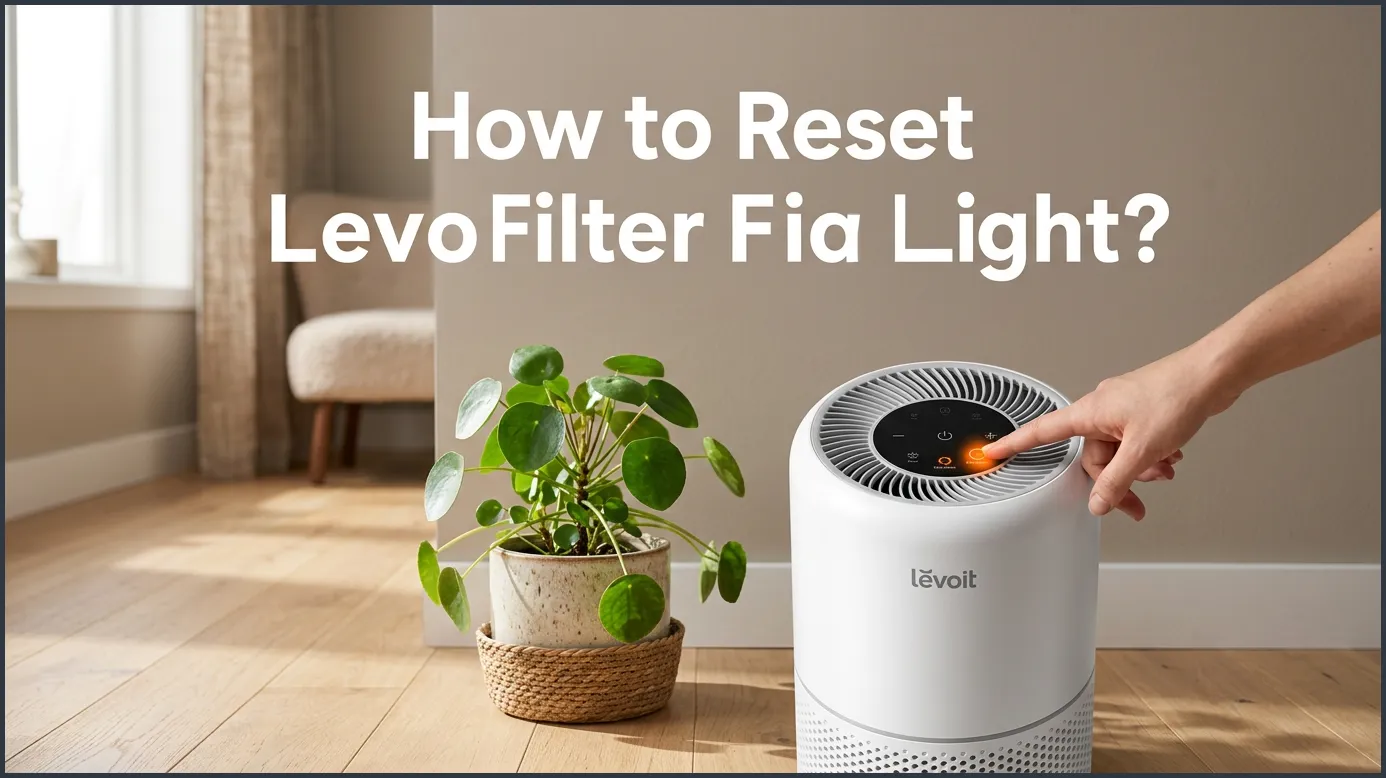
To reset the Levoit filter light, simply locate the lit-up filter indicator button on your device’s control panel. Press and hold this button down for three to five seconds until the red light blinks and finally turns off. Make sure you have already replaced the old filter with a clean, new one before performing this quick reset.
Imagine walking into your living room, expecting a breath of fresh air. Instead, you notice a bright red light glowing on top of your air purifier. It looks like an urgent warning, and it can feel a bit stressful. Do you need to buy a new machine? Is your home air suddenly unsafe to breathe? Please do not worry. That little red light is just a friendly helper reminding you to check your filter. It is a very common thing that every owner faces sooner or later.
Getting rid of that glowing red light is much easier than you might think. You do not need any special tools, and you do not need to be a tech expert. In this guide, we will walk you through the simple steps to clear your control panel. We will cover different models, explain why the light turned on in the first place, and share some great tips to keep your air purifier running like new for years to come.
Let us dive right in and get your air purifier back to its peaceful, normal state!
Key Takeaways
- Hold for 3 to 5 seconds: Most Levoit models require you to press and hold the filter reset button for a few seconds to clear the red light.
- Change the filter first: Always install a brand-new, clean filter before you attempt to reset the light.
- Unplugging does not work: Simply unplugging your air purifier will not reset the built-in filter timer.
- Red light is a timer: The red light is based on usage hours (usually 6 to 8 months), not on how dirty the filter actually is.
- Use the VeSync app: For smart models, you can also easily reset the filter status directly through the companion mobile app.
📑 Table of Contents
What Does the Red Levoit Filter Light Mean?
The Automated Timing System
Many people think their air purifier has a smart sensor that checks for dirt inside the filter. In reality, it is much simpler than that. Your Levoit air purifier has a built-in timer. This timer counts the hours that the machine runs. For most Levoit models, this timer is set for about six to eight months of regular use. Once the timer reaches its limit, the red light turns on automatically. To get a better idea of how this system behaves across different units, you can read a helpful guide on troubleshooting the Levoit air purifier red light to learn more about these automated indicators.
Why You Should Not Just Ignore It
Because the light is based on time, it might turn on even if your filter still looks clean. For example, if you live in a home with no pets and very little dust, your filter might last longer. However, you should still check the filter when the light turns on. A clogged filter makes the motor work much harder. This can lower the lifespan of your machine and increase your electricity bill. Checking the filter ensures you always breathe the cleanest air possible.
Step-by-Step Guide: How to Reset Levoit Filter Light
Preparing Your Air Purifier
Before you learn How to Reset Levoit Filter Light?, you must prepare your machine. Safety should always come first. Start by turning off your air purifier using the power button. Next, unplug the power cord from the wall outlet. Carefully flip the unit over or open the back panel, depending on your model. Twist the cover to open it and pull out the old filter. This is a great time to wipe down the inside of the chamber with a dry cloth to remove any loose dust.
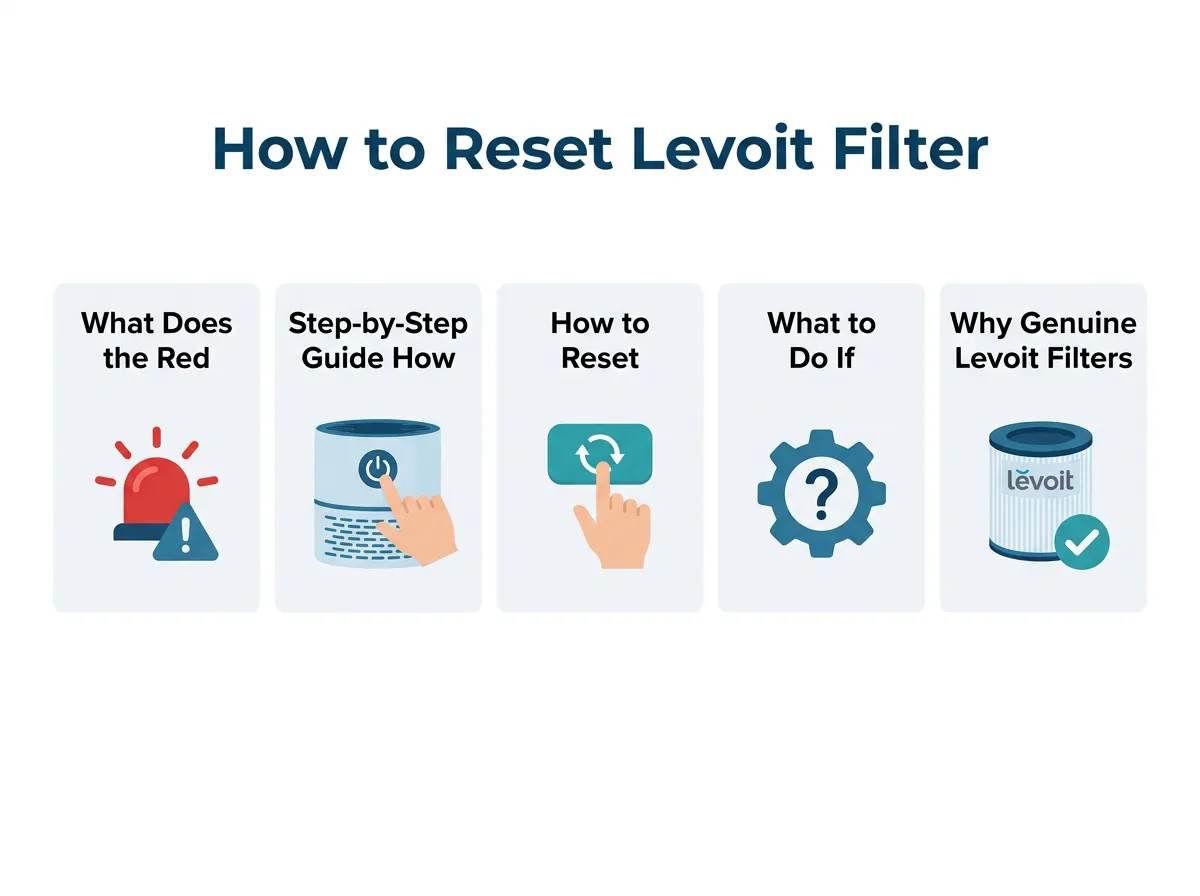
How to Reset Levoit Filter Light? — key points at a glance
Installing the New Filter
Take your new genuine Levoit filter out of its plastic packaging. This is a very important step! Many people forget to remove the plastic wrapper. If you leave the plastic on, your machine will not clean the air, and it could overheat. Slide the new filter into the chamber. Put the cover back on and secure it tightly. Flip the machine back up, plug it in, and turn it on.
Resetting the Light on the Control Panel
Now, look at the top control panel. The red light will still be glowing. Find the button that looks like a small sheet of paper or a trash can icon. On some models, this is also the fan speed button or a dedicated filter button. Press this button down firmly. Keep your finger on the button and hold it for three to five full seconds. You will see the red light flash, and then it will turn off. Often, you will hear a friendly beep. This beep tells you that the timer has reset to zero.
If you own a compact smart model and the button does not seem to respond, you can look up expert tips for Levoit Core 200S resets to solve specific hardware hangs or touch-panel glitches quickly.
How to Reset the Filter Light on Smart Levoit Models
Using the VeSync Mobile App
If you own a smart Levoit air purifier, like the Core 300S or Core 400S, you have an extra option. These models connect to your home Wi-Fi network. You can control them using the VeSync app on your smartphone. Open the app and select your air purifier from the device list. Tap on the settings icon in the top right corner. Look for the option that says “Filter Life.” Here, you can see the exact percentage of your filter’s life. Once you change the filter, simply tap the “Reset” button on your screen. The red light on your physical machine will turn off instantly.
Troubleshooting App Connection Issues
Sometimes, the app and the machine might get out of sync. If you reset the light on the physical machine but the app still shows 0% filter life, do not worry. Try closing the VeSync app completely and opening it again. If that does not work, turn your phone’s Wi-Fi off and back on. This refreshes the connection. Your app should now show a fresh 100% filter life status.
What to Do If the Levoit Filter Light Won’t Reset
Checking the Power and Touch Panel
Are you holding the button down but the red light stays on? This can be very frustrating. First, make sure the machine is actually turned on. You cannot reset the filter light while the air purifier is turned off. Next, check if your hands are dry. The control panels on Levoit air purifiers use touch-sensitive buttons. If your fingers are wet or cold, the button might not register your touch. Wipe your hands and the control panel with a dry microfiber cloth, then try again.
Performing a Hard Reset
If the touch panel is still not responding, you may need to perform a hard reset. Unplug the air purifier from the wall. Leave it unplugged for a full ten minutes. This allows the internal computer chips to clear their temporary memory. Plug the unit back in and turn it on. Try holding the reset button down again for a full five seconds. For detailed diagrams and model-specific hard reset steps, refer to the official Levoit user manual instructions to find exactly where your reset sensor is located.
Why Genuine Levoit Filters Matter
The Problem with Cheap Imitations
It is very tempting to buy cheap, off-brand filters online. They often look identical to the real thing. However, cheap filters can cause problems. They might not fit perfectly inside your Levoit air purifier. If there is even a tiny gap, dirty air will bypass the filter entirely. This means dust and pollen will blow right back into your room. Also, poor-quality filters can restrict airflow. This makes your machine run louder and wear out much faster.
How Genuine Filters Protect Your Warranty
Using third-party filters can sometimes void your Levoit warranty. If your machine stops working because of a cheap filter, the company might not help you. Genuine Levoit HEPA filters are designed to capture 99.97% of airborne particles. They protect your health and your investment in the machine. It is always best to buy original parts.
Crucial Maintenance Tips to Keep Your Air Fresh
Vacuum the Outer Pre-Filter
You can make your main filter last much longer with a simple trick. Every two to four weeks, open your air purifier and pull out the filter. Use the soft brush attachment on your vacuum cleaner to gently clean the outside of the filter. This outer layer is called the pre-filter. It captures large items like pet hair, lint, and big dust bunnies. Removing this buildup keeps the airflow strong and prevents the inner HEPA filter from clogging too quickly.
Keep the Area Around the Purifier Clear
Where you place your air purifier matters a lot. Do not tuck it away in a tight corner or hide it behind a couch. Your Levoit machine needs space to draw in air from all sides. Try to keep at least fifteen inches of clear space around the entire unit. This simple step ensures maximum air circulation and helps the filter work much more efficiently.
Conclusion
Keeping your home’s air clean should not be a chore. Now you know exactly How to Reset Levoit Filter Light? without any hassle. Remember that the red light is not a sign of trouble. It is simply a helpful timer designed to keep your indoor air quality at its absolute best. By replacing your filter regularly and holding down the reset button, you ensure that your Levoit air purifier will keep running smoothly for years to come. Enjoy your fresh, clean air!
Frequently Asked Questions
Why is my Levoit filter light red?
The red light is an automatic timer reminder. It turns on after about six to eight months of use to let you know it is time to check or replace your filter.
How do I reset the Levoit filter light?
With the machine turned on, press and hold the filter reset button (often looks like a small sheet of paper or a trash can) for three to five seconds. The light will flash and then turn off.
Can I wash my Levoit HEPA filter instead of replacing it?
No, you should never wash a Levoit HEPA filter with water. Water will damage the delicate fibers and ruin the filter’s ability to catch small particles.
Does unplugging the air purifier reset the filter light?
No, unplugging the machine will not reset the light. The internal timer remembers its state and requires you to hold the physical reset button to clear it.
How often should I clean the pre-filter on my Levoit?
You should gently vacuum the outside of your filter every two to four weeks. This removes large dust and pet hair, which helps your filter last longer.
Can I reset the filter light using the VeSync app?
Yes, if you have a smart Levoit model, you can open the VeSync app, go to device settings, select Filter Life, and tap the reset button.
