


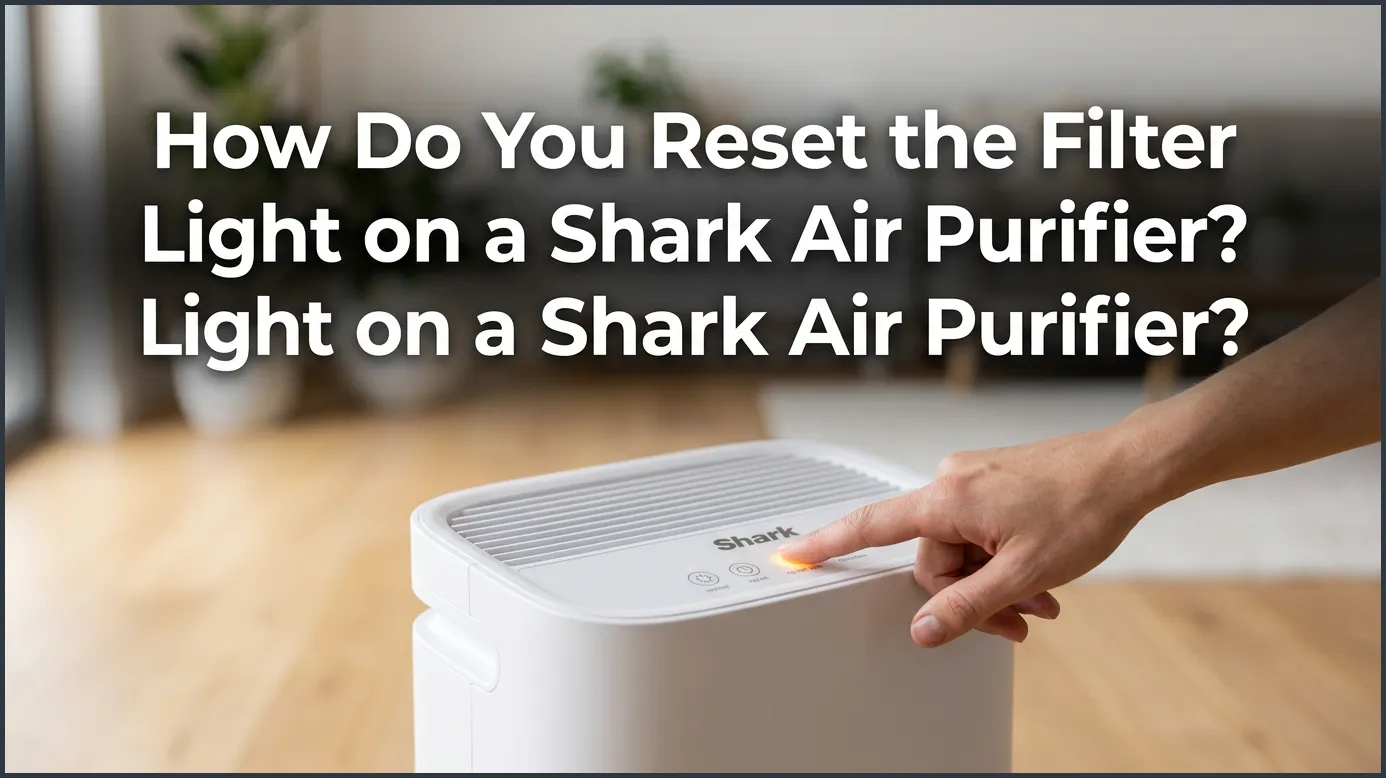
To reset the filter light on a Shark air purifier, locate the Filter Life button on the control panel, then press and hold it down for 3 to 5 seconds. You will hear a short beep, and the light will turn off or return to 100%, signaling a successful reset. Always make sure to replace your old filter with a brand-new one before performing this reset.
Imagine walking into your living room after a long, busy day. You look forward to breathing in clean, crisp air. However, as you glance over at your trusty Shark air purifier, you notice an annoying red light glowing on the control panel. This sudden warning can feel frustrating, especially if you just slipped in a brand-new filter. Do you need a technician, or is there a simple trick to fix it yourself?
The good news is that clearing this warning light is incredibly easy. You do not need any special tools, and the entire process takes less than ten seconds. Many homeowners find themselves asking: How Do You Reset the Filter Light on a Shark Air Purifier? If you are staring at a stubborn red indicator, this guide is here to walk you through the process step by step, so you can get back to enjoying pure, healthy air.
In the sections below, we will cover the exact steps to reset your filter light, look at how different Shark models work, and solve common issues that might keep the light from turning off.
Key Takeaways
- Hold for 3-5 Seconds: The most common way to reset the light is by holding the Filter Life button until you hear a beep.
- Replace First: Always install a fresh, clean filter before you clear the warning light on your machine.
- Look for the Icon: The reset button is usually marked with a small clock icon or says “Filter Life” directly.
- Model Variations: While most Shark models use the same basic method, some touchscreens require a firm, steady press.
- Maintain Air Quality: Resetting the light without replacing a dirty filter will reduce air cleaning performance and strain the motor.
📑 Table of Contents
- Understanding Your Shark Air Purifier’s Filter Light
- How Do You Reset the Filter Light on a Shark Air Purifier?
- Model-Specific Instructions for Shark Purifiers
- Why Replacing Your Filter Matters Before You Reset
- Troubleshooting a Stubborn Filter Light
- Tips to Maximize Your Shark Filter Life
- Conclusion
Understanding Your Shark Air Purifier’s Filter Light
Before we jump into the physical steps, it helps to understand why this light turned on in the first place. Your Shark air purifier does not actually “see” how dirty your filter is. Instead, it relies on a built-in timer. This timer tracks the total number of hours your machine has been running.
According to the official Shark Air Purifier 3-in-1 Getting Started documentation, these smart systems track usage based on run time and fan speed settings. After a set number of hours (usually around 6 to 12 months of average use), the machine assumes the filter has collected its limit of dust, pollen, and pet dander. At this point, the control panel triggers the warning light or displays a “0%” filter life reading.
Because this system is timer-based, it will not automatically know when you put in a new filter. Even if you install a fresh, white filter, the machine will keep showing the red warning until you manually tell it that a change has occurred. That is why learning how to reset the system is so important.
How Do You Reset the Filter Light on a Shark Air Purifier?
Resetting the filter life indicator is a straightforward task. Follow these simple, universal steps to clear the warning light on almost any modern Shark air purifier:
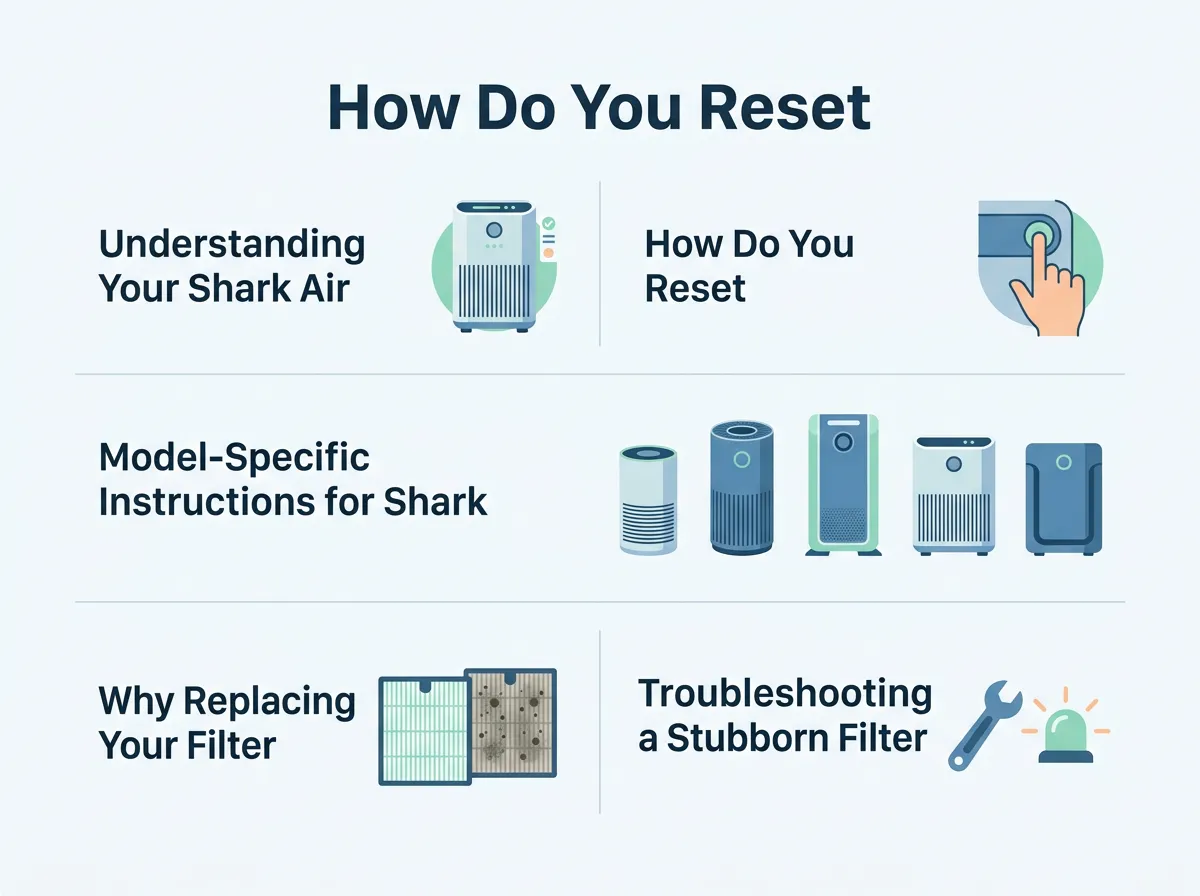
How Do You Reset the Filter Light on a Shark Air Purifier? — key points at a glance
Step 1: Turn the Unit On
Make sure your air purifier is plugged into a working wall outlet. Press the power button to turn the machine on. The filter light must be active for the reset process to register properly.
Step 2: Locate the Filter Life Button
Look at the top or front control panel of your device. Look for a button labeled “Filter Life” or an icon that looks like a small circular clock. On some sleek models, this button only lights up when the filter life is low.
Step 3: Press and Hold the Button
Press your finger firmly onto the Filter Life button. Keep holding it down for 3 to 5 seconds. Do not let go too early, or the timer will not reset.
Step 4: Listen for the Beep
After a few seconds of holding the button, the air purifier will emit a clear, audible beep. This sound confirms that the internal computer has reset its timer. The red light will turn off, or the digital display will jump back up to 100%.
Model-Specific Instructions for Shark Purifiers
While the steps above work for the vast majority of Shark products, some models have slight design variations. Knowing your specific model can save you a lot of guesswork.
Shark 3-in-1 and 4-Fan Models
On larger multi-fan units, the control panel is highly digital. Many users on retail Q&As, like the popular Best Buy community questions page, have noted that these touchscreens require a very firm, steady press. If you press too lightly, the touch sensor might not register your finger. Use flat, firm pressure directly over the center of the Filter Life icon for at least five seconds.
Shark HP100 and HP200 Series
The compact HP series often features a display on the front of the unit instead of the top. For these models, locate the physical button on the side or rear of the control rim. Press and hold the button with the clock symbol. The front circular screen will flash and reset to show a green ring or a full life status bar.
Why Replacing Your Filter Matters Before You Reset
It can be tempting to simply reset the light to get rid of the red glow without actually buying a new filter. However, doing this is highly discouraged. A clogged filter can harm your home environment and your machine in several ways:
- Reduced Air Cleaning: A dirty HEPA filter cannot trap microscopic particles. Dust, mold spores, and allergens will simply bypass the filter and blow right back into your room.
- Motor Strain: When a filter is clogged with thick dust, the fan motor has to work twice as hard to pull air through. This extra strain can cause the motor to overheat and shortens the lifespan of your expensive appliance.
- Higher Energy Bills: A struggling motor draws more electricity from your home outlet, raising your monthly energy costs.
According to the instructions in the Shark HP Series Manual, you must unplug the unit before opening the filter door. Always remove the protective plastic wrapping from your new filter before inserting it into the chamber. Once the fresh filter is securely in place and the door is latched, you can plug the unit back in and safely run the reset steps.
Troubleshooting a Stubborn Filter Light
Sometimes, things do not go perfectly as planned. If you held down the button and the red light refuses to go away, try these handy troubleshooting tips:
Unplug the Unit to Clear the Memory
If the control panel freezes, unplug the air purifier from the wall. Wait for 60 seconds to allow the internal capacitors to discharge fully. Plug the machine back in, turn it on, and try holding the Filter Life button again.
Clean the Control Panel
Sleek touchscreens can gather thin layers of oils, dust, or moisture. If the sensor is dirty, it will not register your finger touch. Wipe down the control panel with a clean, dry microfiber cloth and try again.
Check for Sensor Blockages
If your unit shows weird light behaviors, such as a round ring that turns solid red or flashes constantly, check the air quality sensor on the side of the unit. Expert technicians on the JustAnswer small appliance forums suggest gently vacuuming the small sensor door on the side of the purifier. Dust buildup in this area can trick the machine into thinking the air is extremely dirty, causing warning lights to stay on.
Tips to Maximize Your Shark Filter Life
While you cannot avoid replacing your filter forever, you can make each one last a bit longer with some basic maintenance:
First, vacuum the exterior pre-filter every few weeks. This is the thin, mesh-like outer layer that catches large pet hair and dust bunnies. Cleaning this layer keeps the inner HEPA material from clogging up too quickly.
Second, keep your purifier away from drafty open windows, damp bathrooms, and smoky kitchens. Excessive moisture and heavy grease can ruin HEPA fibers instantly, forcing you to replace the filter much sooner than expected.
Conclusion
Keeping your indoor air clean should not be a stressful chore. Now that you know the simple steps to reset the filter light on your Shark air purifier, you can easily maintain your system with confidence. Remember to always change your filter first, press the Filter Life button firmly for up to five seconds, and listen for that helpful beep. With just a tiny bit of regular care, your Shark air purifier will continue to run smoothly, keeping your home’s air fresh, healthy, and clean for years to come.
Frequently Asked Questions
Why is my Shark air purifier light still red after changing the filter?
The light remains red because the air purifier uses an automatic timer that does not detect physical filter changes. You must manually reset the system by holding down the Filter Life button for 3 to 5 seconds until the machine beeps.
How often should I replace the filter on my Shark air purifier?
Under normal household conditions, you should replace your Shark filter every 6 to 12 months. If you have pets, smokers, or allergies in your home, you may need to replace it more frequently to maintain high air quality.
Can I wash and reuse my Shark HEPA filter?
No, genuine Shark HEPA filters are not washable. Exposing the delicate HEPA fibers to water will destroy their structure and ruin their ability to trap microscopic particles. Always replace a dirty filter with a brand-new one.
What happens if I do not reset the filter light?
If you do not reset the light, the machine will continue to display a red warning or “0%” filter life. While the purifier will still turn on and run, you will have no way of knowing when the new filter actually needs to be replaced next time.
Where is the reset button on a Shark air purifier?
The reset button is located on the main control panel, usually on the top or front of the machine. Look for a button labeled “Filter Life” or marked with a small, circular clock icon.
Can I use third-party replacement filters in my Shark purifier?
While third-party filters might fit inside your machine, using genuine Shark filters is highly recommended. Genuine filters ensure a perfect airtight seal and offer the best filtration efficiency to protect your air quality and machine warranty.
